Delete Private Key
About
This page provides the details on deleting a private key from the wallet.
Note that you must select the option from the wallet manager.
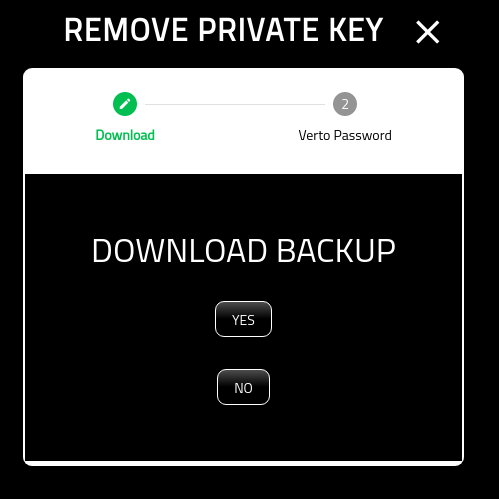
Download Backup
Before deleting the private key, it is recommended that you store an encrypted backup of it offline. If you want to download an encrypted copy select ‘Yes’. If not, select ‘No’.
Choose File
If you selected ‘YES’ above, the operating system will open up a file manager for you to select where you want this file downloaded to.
We strongy recommend storing in a removable unit such as a USB.

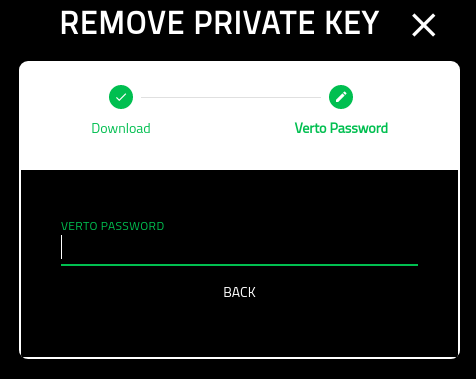
Verto Password
On the final screen you must put in your Verto password.
Once you have completed this screen you will be redirected back to the wallet manager.