Change Default Wallet
About
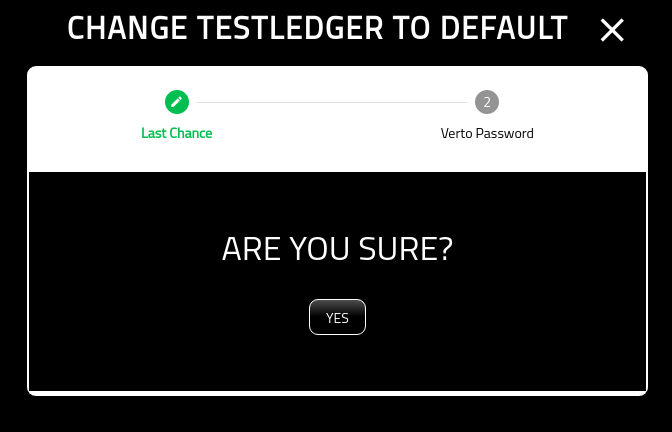
This screen allows you to change your default wallet. At this point, you have already selected the wallet to become default from the Wallet Manager.
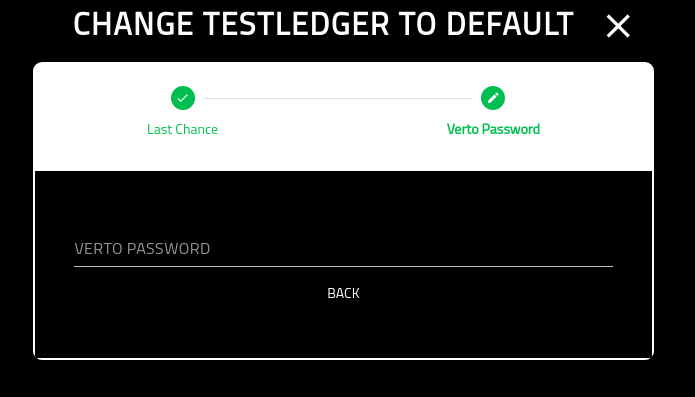
Verto Password
On the final screen you must put in your Verto password.
Once you have completed this screen you will be redirected back to the wallet manager.