View History
About
This page provides an overview of viewing your Get VTX history.
In short, when getting vtx, the transaction must go through various stages before being allocated and attested on the ledger. For example, we need six block confirmations before finalizing the transactions. This page provides the auditing necessary for you to monitor your transaction through the system.
You will be presented with the following on entering this page.
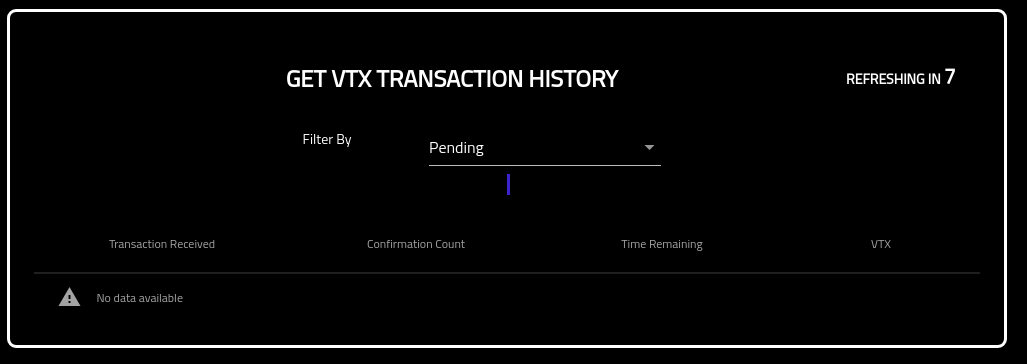
You can toggle the statuses to see current as well as previous transaction histories.
The stages of a transaction are detailed below.
Stages Of A Transaction
The process of getting VTX has multiple stages. They are:
- Cancelled: The transaction has been canceled.
- Pending: The transaction has been received and viewed on the native chain, however, it has not yet been confirmed.
- Accepted: The transaction has been confirmed and is in the process of being written to ledger. Please note that this is a very quick phase. If your transaction remains in this phase for any period of time please notify the Verto team. You can notify the team by clicking the Support button on the left hand navigation.