Create Ledger Save File
About
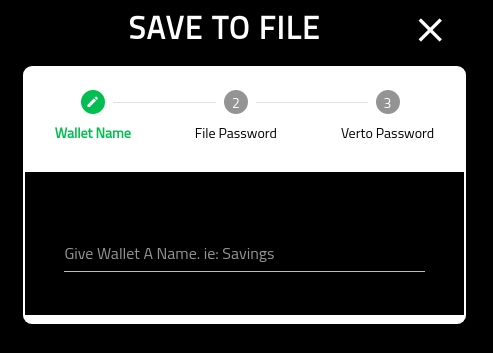
This page provides the details for creating a new Ledger wallet and downloading the private key in an encrypted file.
File Password
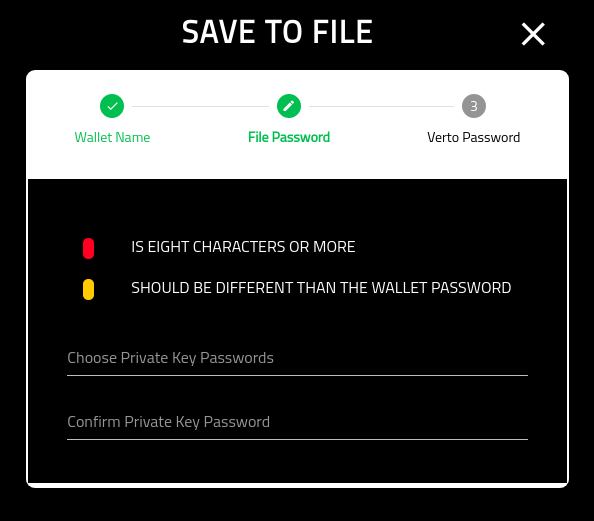
On this screen you are asked to provide the password, and confirm it, that will be used to encrypt the private key.
Note that it is recommended that you select a different password from the wallet.
Also note that this password is non-recoverable. If you loose the password Volentix, nor any of its partners, are able to get it back for you.
Verto Password
On the final screen you must put in your Verto password.
Once you have completed this screen you will be redirected into the new wallets home screen.
