Add Ledger
About
This page provides the details on how to add an existing Ledger account to Verto.
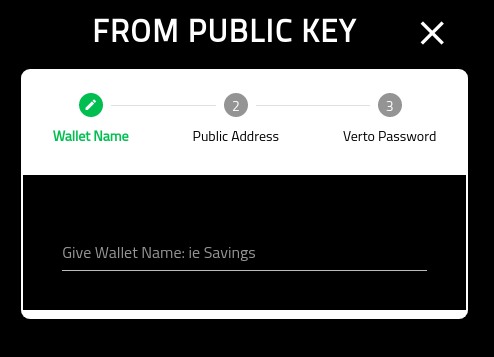
Wallet Name
Provide the wallet with a meaningful name.
Note that this cannot be changed later.
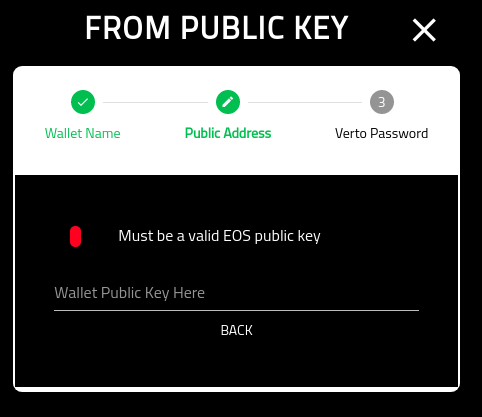
Ledger Public Key
This screen requires your Ledger public key.
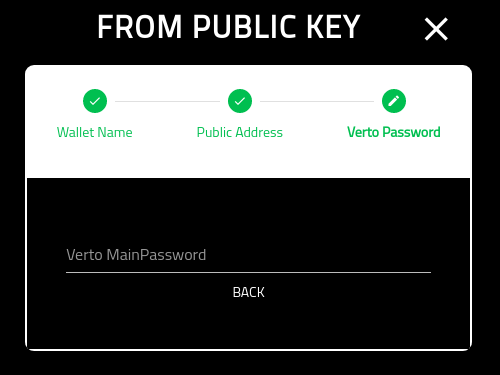
Verto Password
On the final screen you must put in your Verto password.
Once you have completed this screen you will be redirected into the new wallets home screen.